
 For iPhone and Mac
Your whole photo library. On drives you own.
MyCloud Photos copies every original from your iCloud Photos library straight onto the drives you choose, then lets your iPhone browse all of it, privately, from your own Mac. No cloud account. No subscription.
Free to try. One purchase, never a subscription. Mac: macOS 14 or later.
Your memories, kept at home.
Most photo backups are someone else's cloud. MyCloud keeps a complete, ordinary copy on hardware you can hold.
Straight to your drives
Originals download from iCloud one at a time and land directly on the external drive, NAS or folder you pick, as ordinary files.
Nothing deleted from iCloud
MyCloud only reads your library. It never removes or changes anything in Photos or iCloud, and photos you delete later stay in your backup.
Bigger than your Mac? Fine.
Because each original goes straight to your drive, your library can be far larger than your Mac's free space.
Private by design
No account and no server of ours. Your iPhone talks only to your Mac, encrypted with TLS 1.3 and paired by a code you scan.
Set it up once. Browse everything.
Back up on your Mac
Open the Mac app, pick a drive or folder, and start. It checks the space first and backs up month by month, with your albums, places and people.
Pair your iPhone
Choose Pair iPhone on the Mac and scan the code. Your iPhone now trusts that one Mac, and nothing else.
Browse it all
Scroll every year, search people and places, open originals and see exactly which drive holds each photo. Away from home, use a private network such as Tailscale.
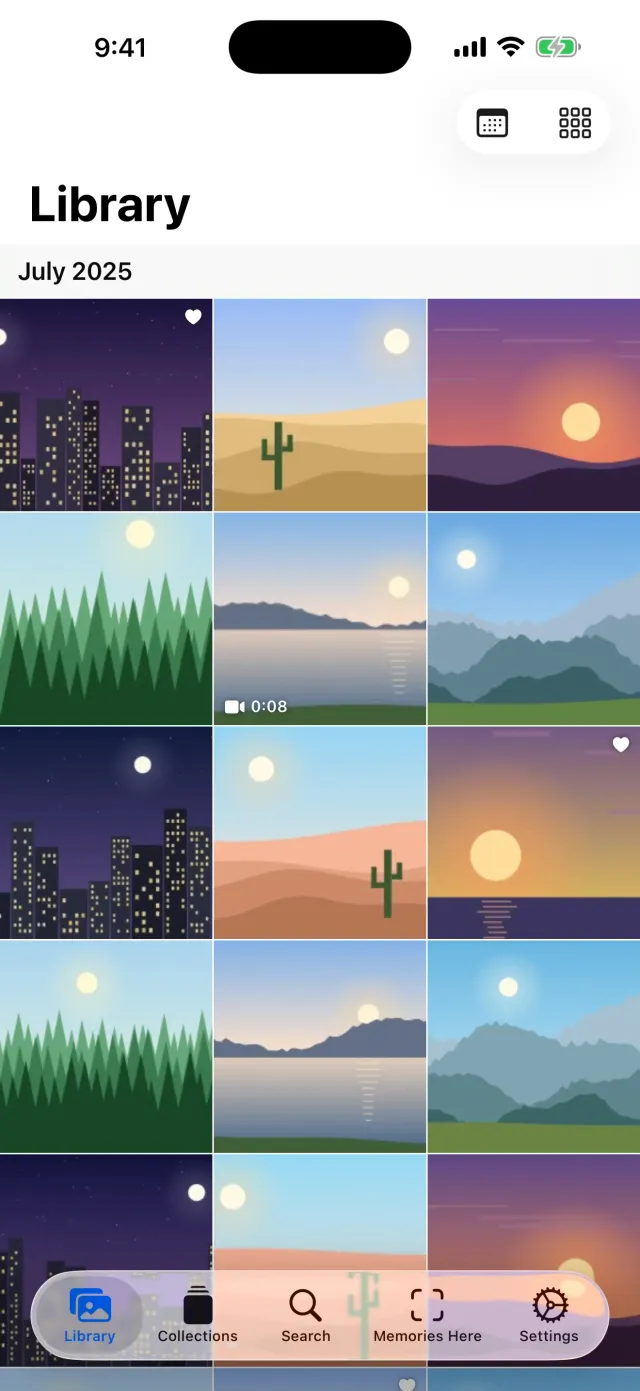
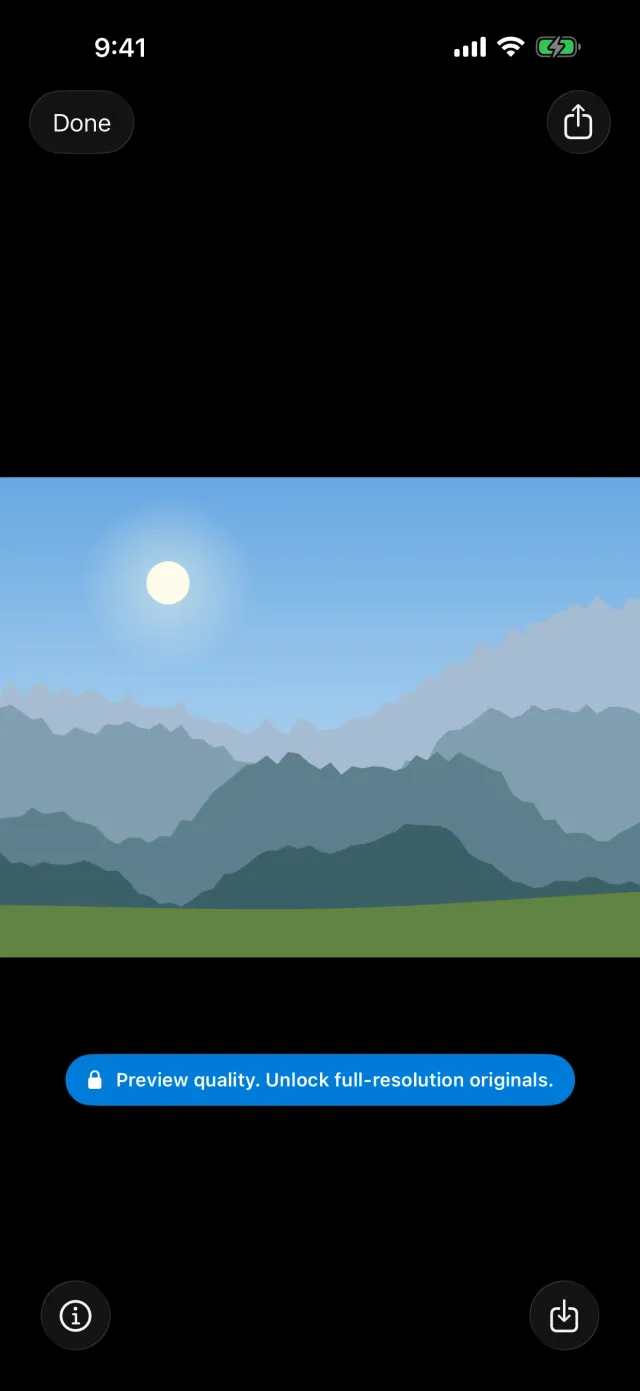
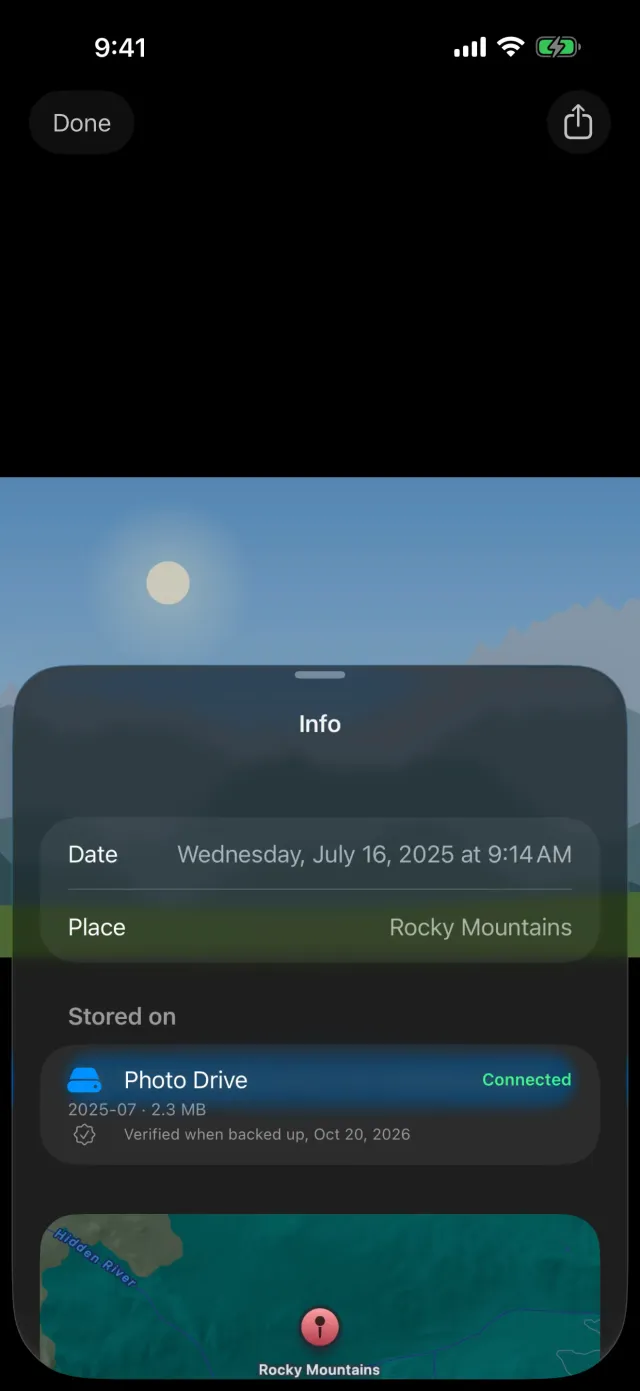
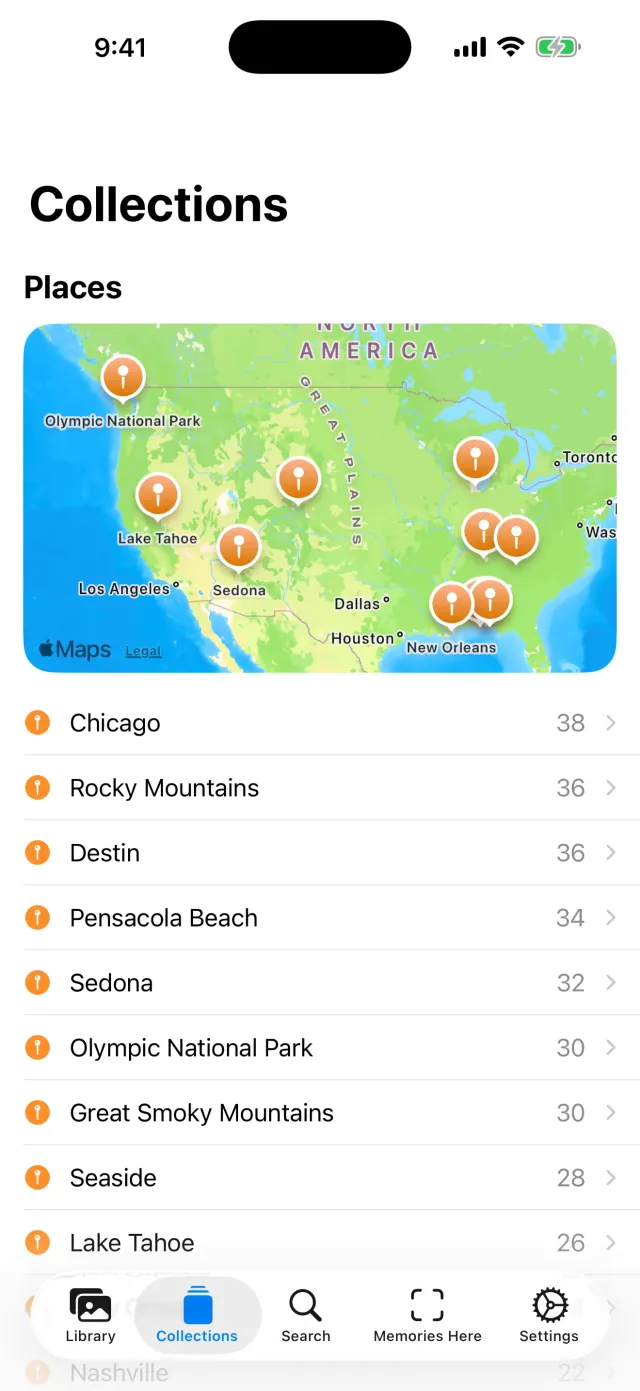
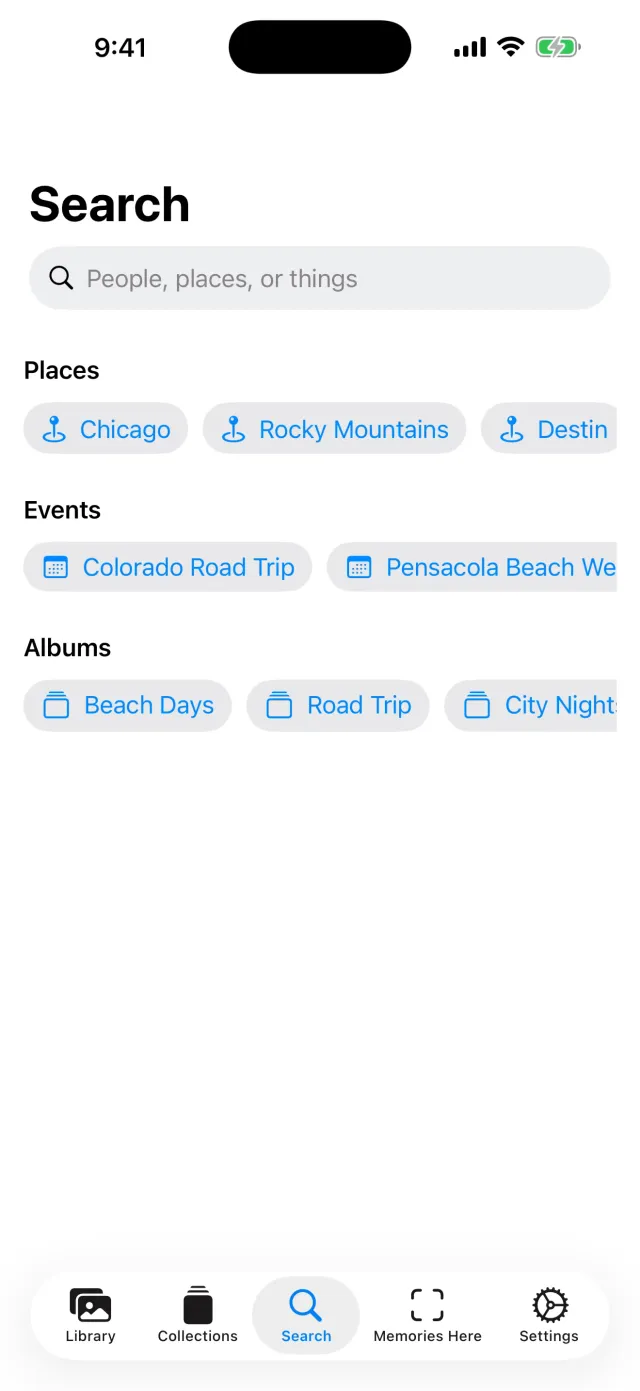
Screenshots use the app's built-in Sample Library of computer-drawn pictures.

Illustration.
Photos, back in the room where they happened.
Scan a room with your iPhone, pin photos to the spots where they belong, then walk back in and see them in place.
- Room scans stay on your iPhone. They're never sent to your Mac or to us.
- Needs an iPhone or iPad with ARKit.
- Free and optional.
Free to browse. One purchase for everything.
Free
- Pair and browse every photo and video preview
- Search, collections and "stored on" details
- Mac app backs up as a free preview of up to 1,000 items
- Sample Library to try it with no Mac
Lifetime license
- Full-size originals, video playback, Share and Save to Photos
- Unlocks your Mac too: you never buy twice
- One year of updates included; another year is optional and never renews automatically
- Everything you have keeps working, always
In-app purchase on iPhone through your Apple Account. Price may vary by region.
Good to know
Does it delete anything from iCloud or Photos?
No. MyCloud only reads your library. Nothing in iCloud or the Photos app is removed or edited. If you later delete photos from iCloud, the copies on your drive stay.
My library is bigger than my Mac's disk. Will it work?
Yes. Originals download one at a time and are written straight to your backup drive, so you don't need room for the whole library on your Mac.
Where exactly are my photos?
On the drives and folders you chose, as ordinary files that stay readable with or without this app. There is no copy with us.
Do I need a Mac?
Yes, the Mac app makes the backup and serves it to your iPhone. The iPhone app's Sample Library lets you try everything first, with no Mac.
Can I see my photos away from home?
Yes, with a private network you control, such as Tailscale installed on your Mac and iPhone.
Keep every memory at home.
Start with the Mac app. The iPhone app is in App Review now.